
You spend hours picking the perfect colors and writing your website copy. Then you install a new theme, and the whole site crawls to a halt. Or worse, the live site looks nothing like the flashy demo preview. Buying a WordPress theme shouldn’t feel like a gamble.
You just want something that works, loads fast, and doesn’t break when you update a plugin. The internet is full of options, but not all of them are safe or well-coded.
Picking a bad theme can ruin your search engine rankings. It might even conflict with your favourite plugins later on.
That is why knowing exactly where to shop matters just as much as what you buy. We have reviewed the top marketplaces available right now.
This guide will show you where to find reliable, high-quality WordPress themes. You will learn about their actual features, real pricing, and why they stand out.
What to Check Before Spending Your Money
A pretty design is nice, but it is not the only thing that matters. Look under the hood before you click “purchase.”
Speed and Clean Code
Your theme should be lightweight. Heavy themes packed with unused features will slow down your website. This frustrates visitors and hurts your Google rankings. Always look for themes that mention clean, optimized code.
Update History and Support
WordPress updates its core software several times a year. Your theme needs regular updates to stay compatible and secure. Always check the “last updated” date on the marketplace before you buy. Good platforms also offer reliable customer support if you get stuck.
Mobile Responsiveness
Most people browse the internet on their phones today. Your theme must look good and work perfectly on all screen sizes. Test the live demo on your own mobile device before deciding.
Plugin Compatibility
You will likely use plugins for contact forms, SEO, or online stores. Make sure the theme you choose plays well with popular tools like WooCommerce or Elementor. A theme that conflicts with your plugins will cause endless headaches.
The Top 7 Places to Buy WordPress Themes
1. StartWP.ai
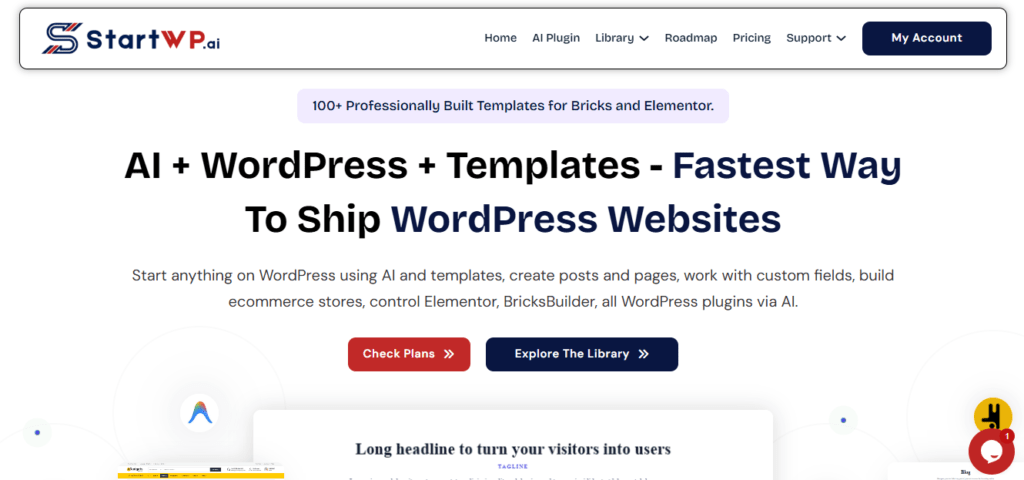
StartWP.ai is a modern platform built specifically for the new era of WordPress development. It focuses heavily on smart themes, AI-assisted plugins, and ready-to-use template kits.
If you want to build a professional site quickly, this is a fantastic place to look. They offer complete design systems, including custom headers and footers that match your brand perfectly.
The best part is how straightforward the entire experience feels. You don’t have to fight complicated settings or confusing menus. The interface is clean, and the instructions are easy for anyone to follow.
It simply makes the design process much less stressful. You get premium quality without the usual technical friction.
Key Features:
- AI-assisted theme and plugin recommendations tailored to your niche.
- Ready-made header and footer template kits for instant branding.
- Clean, lightweight code designed for fast page loading.
- Seamless compatibility with major page builders like Elementor and Bricks.
- Regular security and compatibility updates to prevent site breaks.
- Dedicated documentation and straightforward setup guides.
- Flexible licensing for both personal and client projects.
Pricing:
Themes and complete template kits typically range from $49 to $99. This offers excellent, predictable value for the modern features you receive.
Why Choose StartWP.ai:
It is highly worth it for users who want modern design elements without the usual technical headaches. The focus on smart, ready-to-use tools makes building a site feel much easier. It feels like a normal, helpful resource rather than a pushy sales platform.
2. ThemeForest
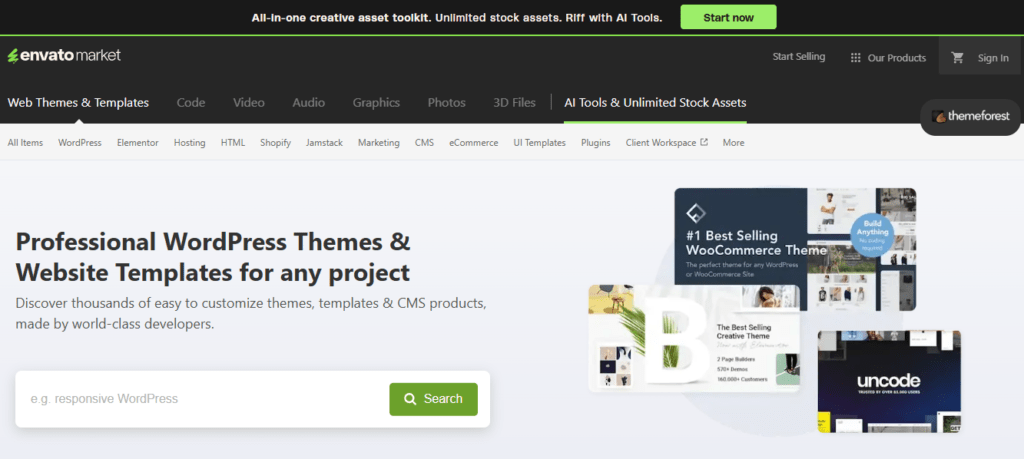
ThemeForest is the largest marketplace for WordPress themes in the world. It is part of the massive Envato network.
This means it has thousands of options for every niche imaginable. You can find themes for blogs, online stores, portfolios, and corporate sites.
The variety is massive, and independent creators add new designs every day. It is the default stopping point for many web developers.
Key Features:
- Huge selection of over 11,000 WordPress themes.
- Detailed live previews and demo imports before you buy.
- Includes 6 months of free developer support with purchase.
- Regular updates directly from the theme authors.
Pricing:
Most premium WordPress themes cost around $59 to $69 as a one-time fee. Extended licenses are available if you plan to charge users for access to your site.
Why Choose ThemeForest:
It is the best choice if you want endless variety and competitive pricing. The robust review system helps you avoid bad products by showing real buyer feedback and ratings.
3. Elegant Themes (Divi)
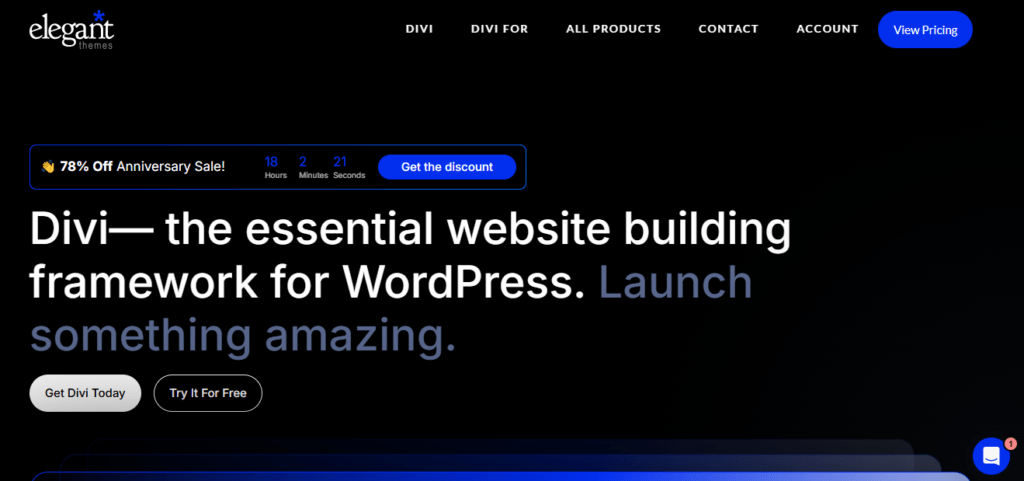
Elegant Themes is best known for creating Divi, one of the most popular WordPress themes and visual page builders. Instead of buying single themes, you get access to their entire library. This includes Divi, Extra, Bloom, and Monarch. You can use all of them on an unlimited number of websites.
This is a massive advantage for freelancers or agencies building sites for multiple clients. You only pay one fee for everything.
Key Features:
- Visual drag-and-drop page builder built right into the theme.
- Hundreds of pre-made, professionally designed website layouts.
- Unlimited website usage on a single license.
- Access to all plugins and themes in the entire suite.
Pricing:
The Yearly Access plan costs $70 per year. You can also choose the Lifetime Access plan for a one-time payment of $220, which never renews.
Why Choose Elegant Themes:
It offers incredible value if you build more than one website. The visual builder makes designing pages very easy, even if you have absolutely no coding skills.
4. Creative Market
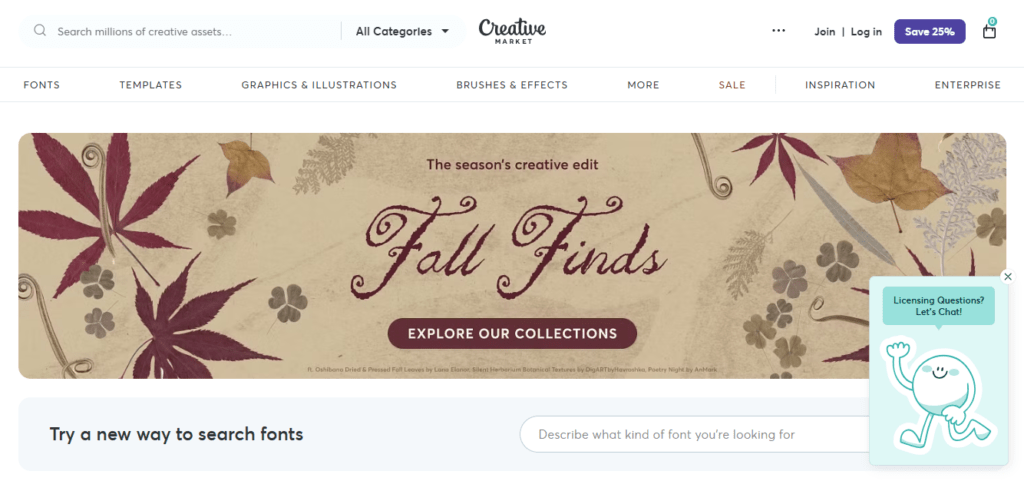
Creative Market is a community-driven platform where independent designers sell their work. Themes here often have a unique, artistic, handcrafted feel.
It is a great place to find something that doesn’t look like a standard, generic template. Many designers offer beautiful typography and clean, minimalist layouts.
You support individual creators directly, which often leads to more passionate customer service.
Key Features:
- Unique, handcrafted designs from independent creators.
- High-quality graphics and typography focus.
- Direct support from the actual theme designer.
- Frequent seasonal sales and bundle deals.
Pricing:
Prices vary widely by designer, usually ranging from $30 to $80 per theme. You pay the creator directly, and they keep most of the profit.
Why Choose Creative Market:
Choose this if you want your website to stand out with a custom, artistic look. It is perfect for photographers, artists, and lifestyle bloggers who care about aesthetics.
5. TemplateMonster
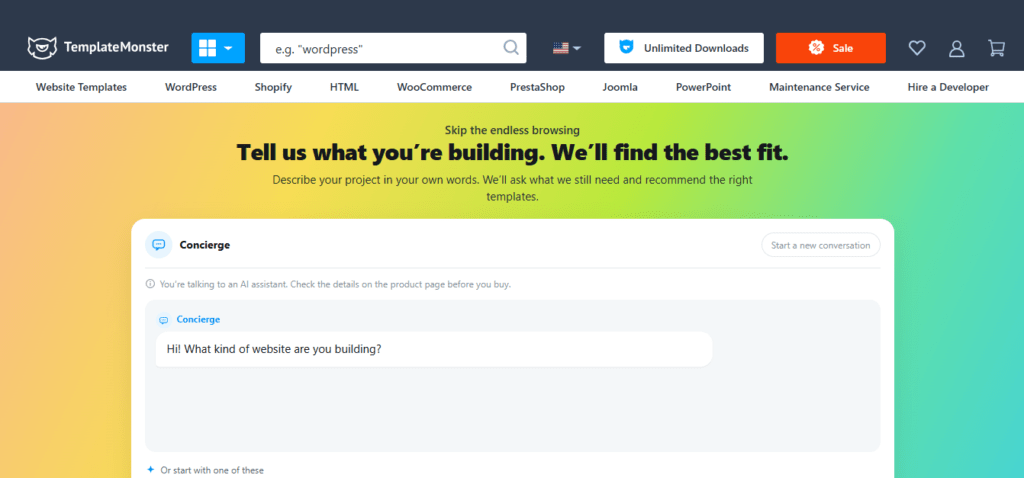
TemplateMonster has been around for a long time and offers a massive library of digital products. They provide WordPress themes, plugins, and even website installation services.
Their themes are known for being feature-rich and coming with lots of demo content. This helps you make your site look professional quickly.
They also offer a subscription model if you need access to multiple resources over time.
Key Features:
- Over 10,000 WordPress themes and templates available.
- Free theme installation service included with purchase.
- MonsterOne subscription option for unlimited downloads.
- 24/7 customer support for technical issues.
Pricing:
Individual themes usually cost between $50 and $80. Alternatively, the MonsterOne subscription starts at about $19 per month for access to their entire catalogue.
Why Choose TemplateMonster:
It is a solid option if you want extra help setting up your site. The free installation service is a huge bonus for beginners who feel overwhelmed by the technical side.
6. StudioPress
StudioPress is built on the Genesis Framework, which is known for being incredibly secure and fast. Their themes are lightweight and follow top coding standards.
Recently, they changed their business model entirely. Now, the Genesis Framework and all StudioPress themes are completely free if you host your site with their partner companies.
This makes it an incredibly attractive option for new site owners who want premium quality for free.
Key Features:
- Rock-solid security and clean, semantic code.
- Excellent search engine optimization (SEO) built directly in.
- Mobile-responsive and accessibility-ready designs.
- Completely free with premium managed WordPress hosting.
Pricing:
Historically, themes cost around $99 to $129. Today, they’re free when you purchase a hosting plan from WP Engine or Flywheel.
Why Choose StudioPress:
It is the best choice for users who prioritize site speed and security above all else. Clean code helps ensure your website will not break during routine WordPress updates.
7. Mojo Marketplace
Mojo Marketplace is a curated collection of premium WordPress themes and plugins. It is often integrated directly into the dashboards of popular web hosting companies.
This makes it very convenient to browse and install themes without leaving your hosting account. The selection is smaller than ThemeForest, but the quality is carefully checked.
You do not have to sift through thousands of low-quality options to find something good.
Key Features:
- Curated, high-quality theme selection.
- One-click installation directly from your hosting dashboard.
- Strong focus on business and e-commerce niches.
- Reliable customer support and clear documentation.
Pricing:
Themes generally range from $59 to $79. Some hosting providers even include free Mojo Marketplace credits with their annual hosting plans.
Why Choose Mojo Marketplace:
It is perfect for beginners who want a simple, safe, and integrated shopping experience. The curated list saves you time and guarantees a baseline of quality.
3 Quick Tests Before You Buy Any Theme
Do not just look at the pretty pictures. Run these three quick checks before you spend your money.
1. Test the Demo Speed
Go to the theme’s live demo URL. Run it through a free tool like Google PageSpeed Insights. If the demo itself is slow, your site will be slow too.
2. Read the 1-Star Reviews
Ignore the 5-star reviews for a moment. Read the 1-star and 2-star reviews to see what actual problems buyers faced. Check if the developer replied and fixed the issue.
3. Check the Update Log
Look at the “Last Updated” date. If a theme has not been updated in over six months, it is a major red flag. It will likely break when WordPress releases its next security patch.
Quick Comparison Table
| Marketplace | Best For | Starting Price | Key Benefit |
| StartWP.ai | Modern AI themes & template kits | ~$49 | Smart, normal, and easy to use |
| ThemeForest | Endless variety and niches | ~$59 | Massive selection and reviews |
| Elegant Themes | Unlimited website usage | $70/year | All-in-one visual builder suite |
| Creative Market | Unique, artistic designs | ~$30 | Handcrafted, independent designs |
| TemplateMonster | Beginners needing setup help | ~$50 | Free installation service included |
| StudioPress | Speed and security focus | Free with hosting | Rock-solid, clean code foundation |
| Mojo Marketplace | Simple, integrated shopping | ~$59 | Curated quality and hosting integration |
Closing Thoughts
Once you pick your theme from one of these trusted spots, make sure it has a solid home. A beautiful design means nothing if the server it lives on is slow or unreliable. Pairing a clean, lightweight theme with managed WordPress hosting is the best way to keep your site fast and secure.
Platforms like HostWP.io offer fast LiteSpeed servers, daily backups, and real human support your new site needs to perform perfectly.
Building a website takes time, but picking the right tools makes it much easier. Choose a theme that fits your needs, put it on a reliable host, and keep updates running smoothly. That simple combination is all you need to build a site that actually works for you and your visitors.